
THE FOOTBALL TEMPLATE
How to make an Ozil Goal AI video
Select Ozil, upload one person photo, choose the quality and wait for the complete 15-second football result.
Watch the complete football finish
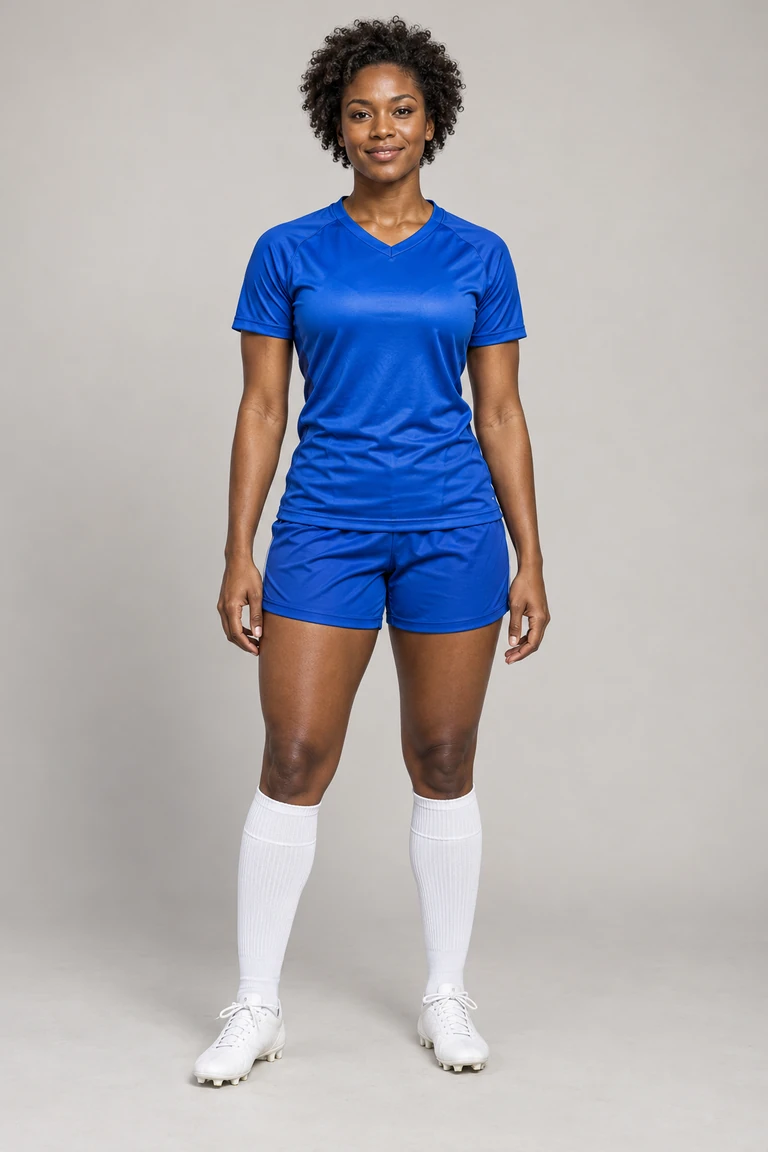
Fictional example. Inspect the complete output before sharing your own creation.
How to make an Ozil Goal AI video: 1. Prepare the input
Use a clear, permitted JPG, PNG or WebP under 5 MB. A single person and recognizable facial features reduce ambiguity.
How to make an Ozil Goal AI video: 2. Confirm the cost
Standard uses 1 credit; the higher-quality mode uses 2. Read the selected mode before submitting. Confirmed generation failures return the reserved credits once.
How to make an Ozil Goal AI video: 3. Inspect the final shot
Check the keeper clearance, two defender movements and ball crossing into the net. Download from the private result page and add a permitted soundtrack in your social app.
Your questions, answered
How to make an Ozil Goal AI video?+
Select Ozil, upload one person photo, choose the quality and wait for the complete 15-second football result.
What happens if generation fails?+
A confirmed generation failure restores the credits charged once. A pending or uncertain task is checked before being treated as failed.
How to make an Ozil Goal AI video on a phone?+
Open this page in a current mobile browser. Use a clear permitted photo, keep the page open during export, and download the file before sharing it.
How to make an Ozil Goal AI video without losing my place?+
Keep the same browser while signing in or returning from checkout. Your photo draft is retained for up to 30 minutes; completed creations are available from your account.